Spam calls and spam text messages are now a daily annoyance for millions of people in the United States.
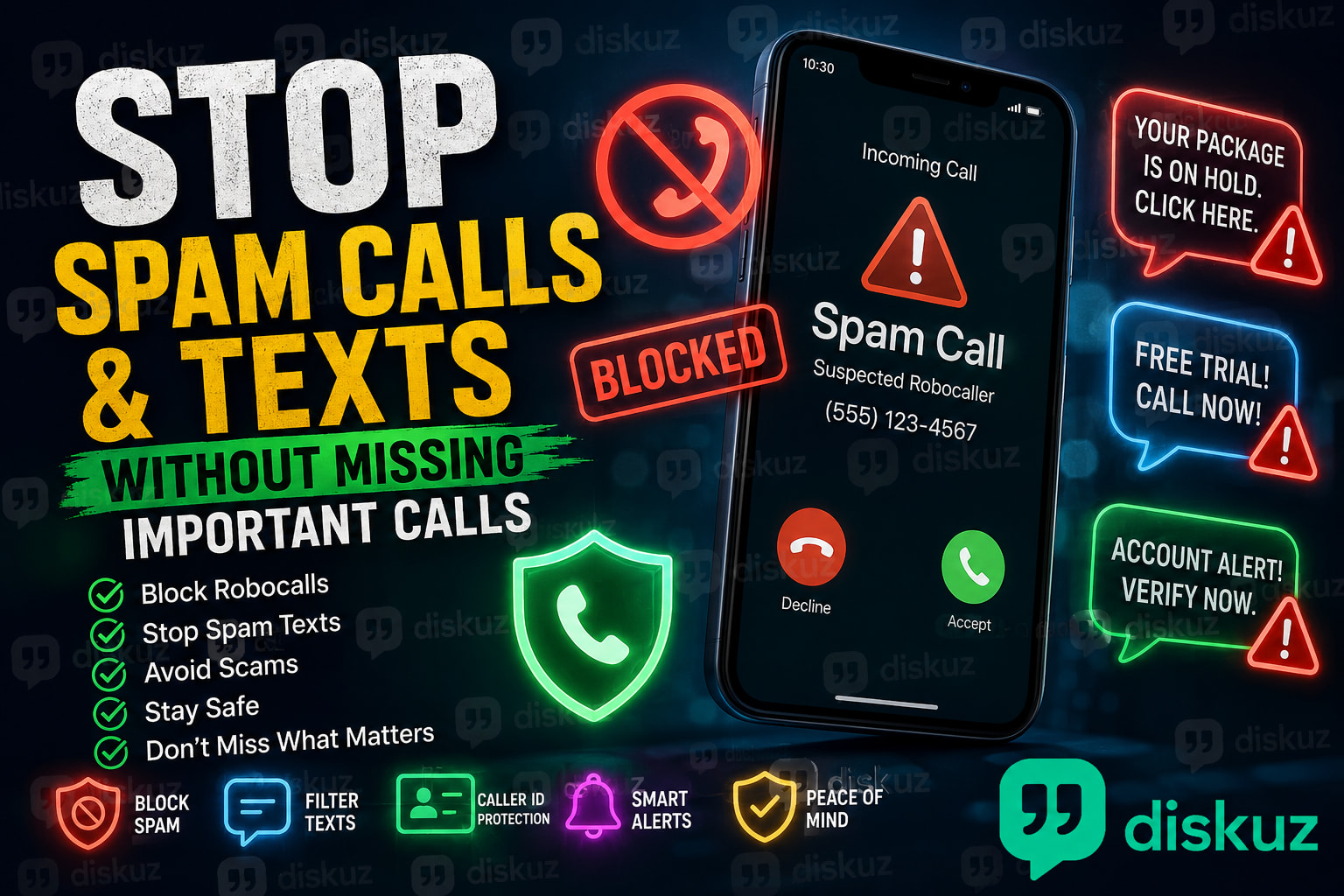
You might get a fake USPS delivery text, a “bank fraud alert,” a Medicare robocall, a car warranty offer, or a number claiming you have been approved for a loan.
The difficult part is that blocking every unknown number can also mean missing a call from a doctor’s office, delivery driver, school, job recruiter, or repair service.
Here’s how to block spam calls and spam texts without cutting yourself off from important calls.
 Why Do I Get So Many Spam Calls?
Most unwanted calls come from robocallers, telemarketers, lead-generation companies, or scammers.
Many use caller ID spoofing, which makes the number on your screen look local or familiar. That is why spam calls often have the same area code as your phone number.
Spam texts often pretend to be from:
- USPS, UPS, FedEx, or Amazon
- Banks and credit card companies
- Health insurance or Medicare
- Toll road payment services
- Job recruiters
- Government agencies
A legitimate company should not ask for your password, PIN, one-time verification code, or payment through gift cards, cryptocurrency, or a random payment app.
 How to Block Spam Calls on iPhone
iPhone includes a useful setting called Silence Unknown Callers.
Go to:
Settings → Apps → Phone → Silence Unknown Callers
Calls from numbers that are not in your contacts, recent calls, or Siri Suggestions will be sent to voicemail.
This can reduce robocalls, but use it carefully. A doctor, employer, delivery driver, or contractor may call from a number you do not recognize.
For individual spam numbers:
Phone → Recents → Tap the “i” icon → Block Caller
If you are unsure, let the call go to voicemail. Important callers usually leave a message.
 How to Block Spam Calls on Android
Most Android phones have spam call protection built into the Phone app.
Open:
Phone → Settings → Caller ID & spam
Then enable:
- See caller and spam ID
- Filter spam calls
The wording can vary on Samsung, Google Pixel, Motorola, and other Android phones, but the feature is usually easy to find.
This can flag suspected spam calls before you answer, while still allowing you to review blocked calls later.
 How to Stop Spam Text Messages
Do not reply to suspicious text messages, even with “STOP,” unless you know the sender is a company you signed up for.
Replying to a scam text can confirm that your phone number is active.
On iPhone:
Messages → Open the conversation → Report Junk
or
Messages → Open the conversation → Block Contact
On Android:
Messages → Open the conversation → Block & report spam
If a text claims to be from your bank, USPS, Amazon, or a delivery company, do not tap the link. Open the official app or type the company’s website into your browser yourself.
 Use Your Mobile Carrier’s Spam Protection
Most major US carriers offer spam protection tools that can identify suspicious calls before they reach your phone.
Look inside your carrier app or website for terms such as:
- Call Filter
- Scam Shield
- ActiveArmor
- Call Protect
- Spam protection
Carrier tools can help because they identify known robocalls and scam numbers at the network level.
 A Local Number Does Not Mean the Call Is Safe
Scammers often use neighbor spoofing. This makes a spam call appear to come from a number with your local area code, or even a number that looks similar to yours.
If the call is real, the person can leave a voicemail, email you, or contact you through an official channel.
Letting unknown calls go to voicemail is often safer than answering every local number.
 Quick Ways to Stop Spam Calls and Texts
- Do not answer suspicious unknown calls
- Let unknown callers leave a voicemail
- Block and report confirmed spam numbers
- Turn on iPhone or Android spam protection
- Use your carrier’s call-filtering tool
- Do not click links in unexpected text messages
- Never share passwords, PINs, or verification codes
 FAQ: Spam Calls and Spam Text Messages
How do I stop spam calls without blocking important calls?
Use spam filters instead of blocking every unknown number. Let suspicious calls go to voicemail, enable caller ID spam protection, and block numbers after confirming they are spam.
Why do spam callers keep calling from different numbers?
Spam callers use caller ID spoofing, so the number displayed on your phone can change every time. Blocking one number may not stop the next spam call.
Can I report spam calls and spam texts?
Yes. You can report spam in the iPhone Messages app, Google Messages, or your carrier’s spam protection app. In the United States, suspicious text messages can also be forwarded to 7726.
Start with the spam filter already built into your phone, then add your carrier’s protection if the calls keep coming.
What type of spam call or scam text do you receive most often?