A $4.99 charge here, $12.99 there, then another monthly payment you do not recognize.
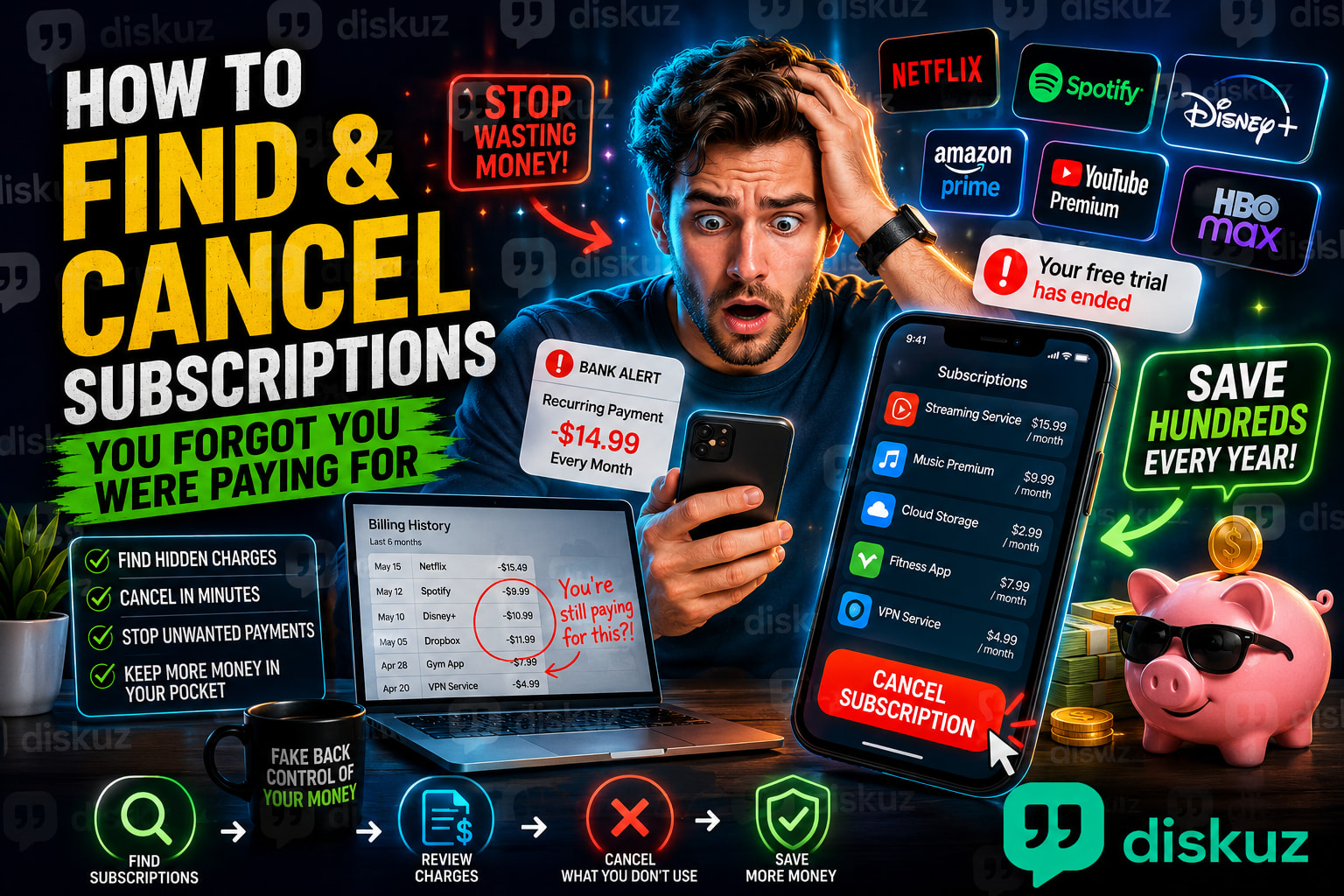
Most people do not notice forgotten subscriptions until they check a bank statement, get a low-balance alert, or realize they are paying for apps and services they have not used in months.
The tricky part is that canceling an app does not always cancel the subscription. You may delete an app from your phone and still be charged every month.
Here is how to find recurring charges, cancel unwanted subscriptions, and stop free trials from turning into surprise payments.
 Start With Your Bank and Credit Card Statements
The fastest way to find subscriptions you forgot about is to review your recent bank statements and credit card transactions.
Look for charges that repeat every month or every year. They may appear under a company name you do not immediately recognize.
Common forgotten subscriptions include:
- Streaming services like Netflix, Hulu, Max, Disney+, and Paramount+
- Music subscriptions like Spotify, Apple Music, and YouTube Premium
- Cloud storage such as iCloud+, Google One, or Dropbox
- Fitness apps and workout memberships
- Dating apps
- Gaming subscriptions
- VPNs, antivirus software, and password managers
- Free trials that became paid subscriptions
Search your banking app for words like subscription, recurring payment, monthly charge, or the amount you see on the statement.
If you cannot identify a charge, search the exact merchant name online before disputing it. Some companies use a different billing name than the one shown in their app or website.
 How to Cancel Subscriptions on iPhone
If you subscribed through the App Store, deleting the app will not stop the payment.
To cancel an iPhone subscription:
Settings → Your Name → Subscriptions
You will see active and expired subscriptions linked to your Apple Account.
Tap the subscription you no longer want, then choose Cancel Subscription.
This is where you can cancel services such as Apple Music, iCloud+, Apple TV+, and many third-party apps billed through Apple.
If the subscription does not appear there, it may have been purchased directly through the company’s website, PayPal, Amazon, or another payment method.
 How to Cancel Subscriptions on Android
For subscriptions billed through Google Play:
Google Play Store → Profile Picture → Payments & subscriptions → Subscriptions
Select the service, then tap Cancel subscription.
This can include Android apps, games, cloud storage, fitness services, and other subscriptions paid through your Google Account.
If you do not see the subscription in Google Play, check the company’s website and your bank statement. It may be billed directly to your credit card instead.
 Check PayPal, Amazon, and Direct Billing
Not every recurring payment comes through Apple or Google.
PayPal can store automatic payments for streaming services, apps, online tools, and websites. Check:
PayPal → Settings → Payments → Automatic Payments
Amazon can also have recurring charges through Prime, Kindle Unlimited, Audible, Subscribe & Save, channels, and digital services.
For direct subscriptions, log in to the company’s website and look for:
- Account
- Billing
- Membership
- Plan
- Manage subscription
- Cancel membership
Take a screenshot or save the cancellation confirmation email. Some services keep access active until the end of the billing period, so a charge may not disappear immediately.
 Cancel Before the Free Trial Ends
A free trial is one of the easiest ways to end up with an unwanted subscription.
Set a reminder two or three days before the trial ends. That gives you time to decide whether you want to keep it without risking an automatic charge.
When signing up for a trial, check:
- The trial end date
- The monthly or yearly price after the trial
- Whether it renews automatically
- Which card, PayPal account, Apple Account, or Google Account will be charged
A yearly plan can be especially easy to miss because the next charge may not appear for 12 months.
 Quick Checklist for Canceling Subscriptions
- Review your bank and credit card statements
- Check Apple Subscriptions on iPhone
- Check Google Play Subscriptions on Android
- Review PayPal Automatic Payments
- Check Amazon memberships and digital subscriptions
- Cancel directly on the company website when needed
- Save the cancellation confirmation
 FAQ: How to Cancel Subscriptions
How do I find subscriptions I am paying for?
Check your bank statements, credit card transactions, Apple Subscriptions, Google Play Subscriptions, PayPal Automatic Payments, and Amazon memberships. Look for charges that repeat monthly or yearly.
Why am I still being charged after deleting an app?
Deleting an app does not cancel its subscription. You need to cancel it through Apple Subscriptions, Google Play, PayPal, or the company’s website.
Can I get a refund for a subscription I forgot to cancel?
Sometimes. Contact the company as soon as possible and explain that you forgot to cancel the subscription. Refund policies vary, but some companies will refund a recent charge, especially if you have not used the service.
Before canceling a recurring payment you do not recognize, make sure it is not connected to a family member, shared account, insurance plan, or service you still need.
What is the most surprising subscription charge you have found on your bank statement?